Pool, spa & outdoor living
Set up Pool Attendant
Turning on the Pool and Spa Heater, Pool Lights, Yard Lights or Spa Jets: To control the pool and spa, you’ll use the Pool Attendant mobile app your own mobile phone.
DOWNLOAD AND SET UP APP
- Before your arrival, you will receive an email from Poolside Attendant (noreply@poolside.cloud) with a link to download the Pool Attendant app, similar to this example:
2. After downloading the app, create an account using the same email address from which you received the invitation.
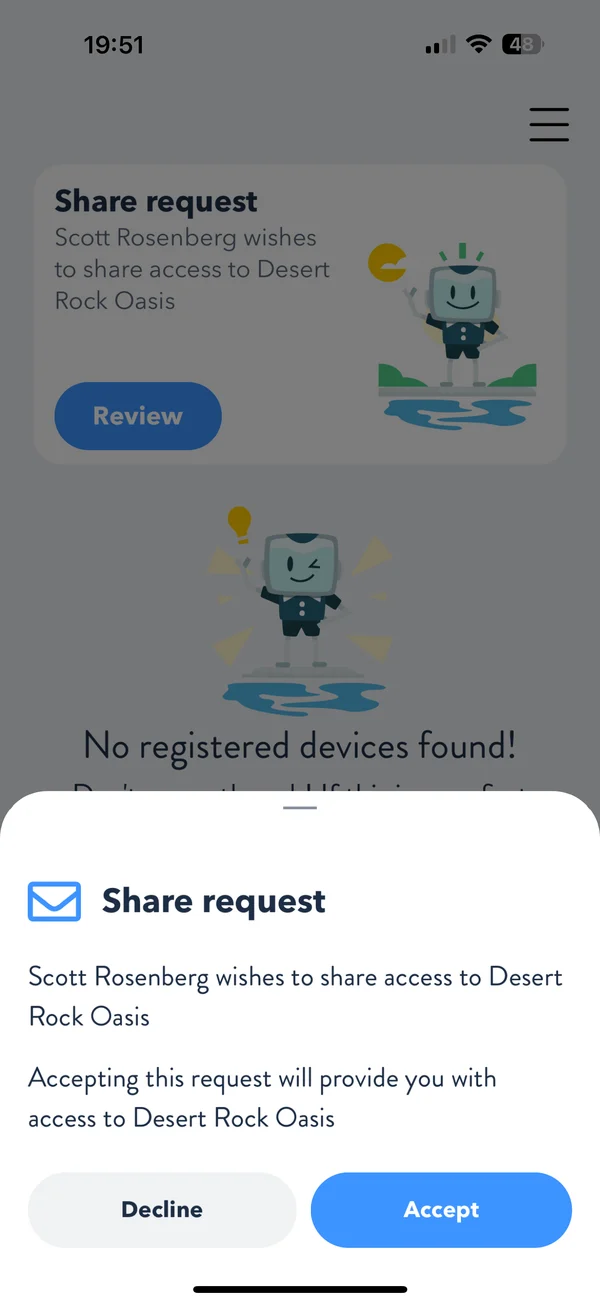
3. Open the app and log in. Click on the blue “Review” button:
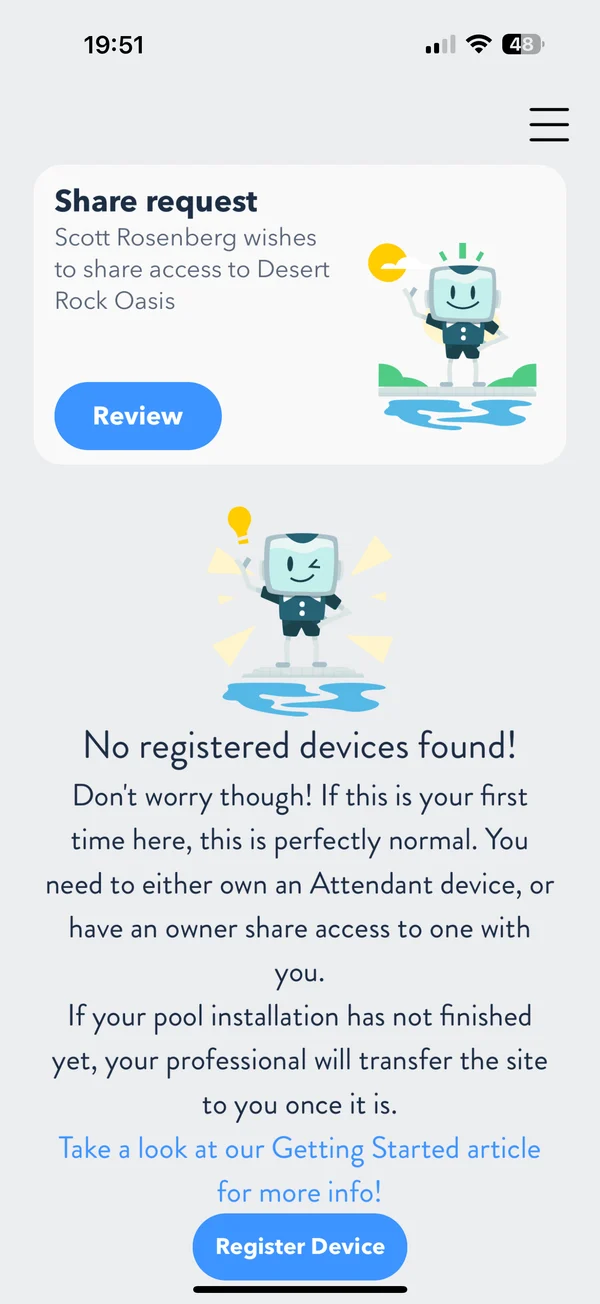
4. Click the blue “Accept” button and you will now be able to access the pool, spa, and lights: